 Chinese
 English
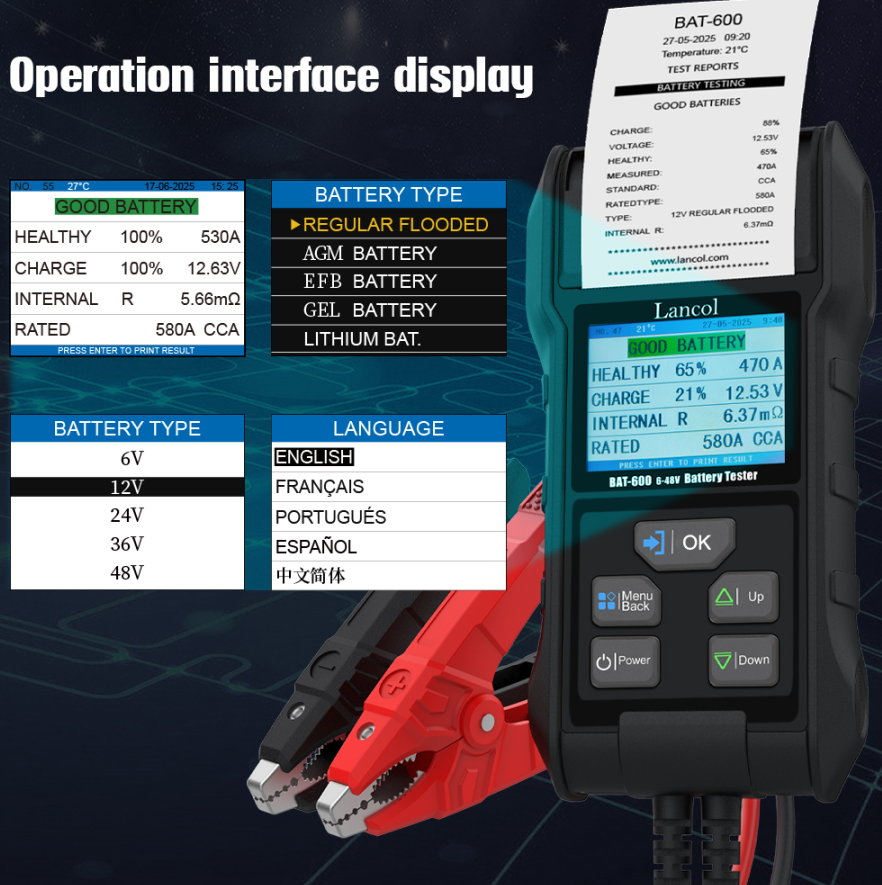
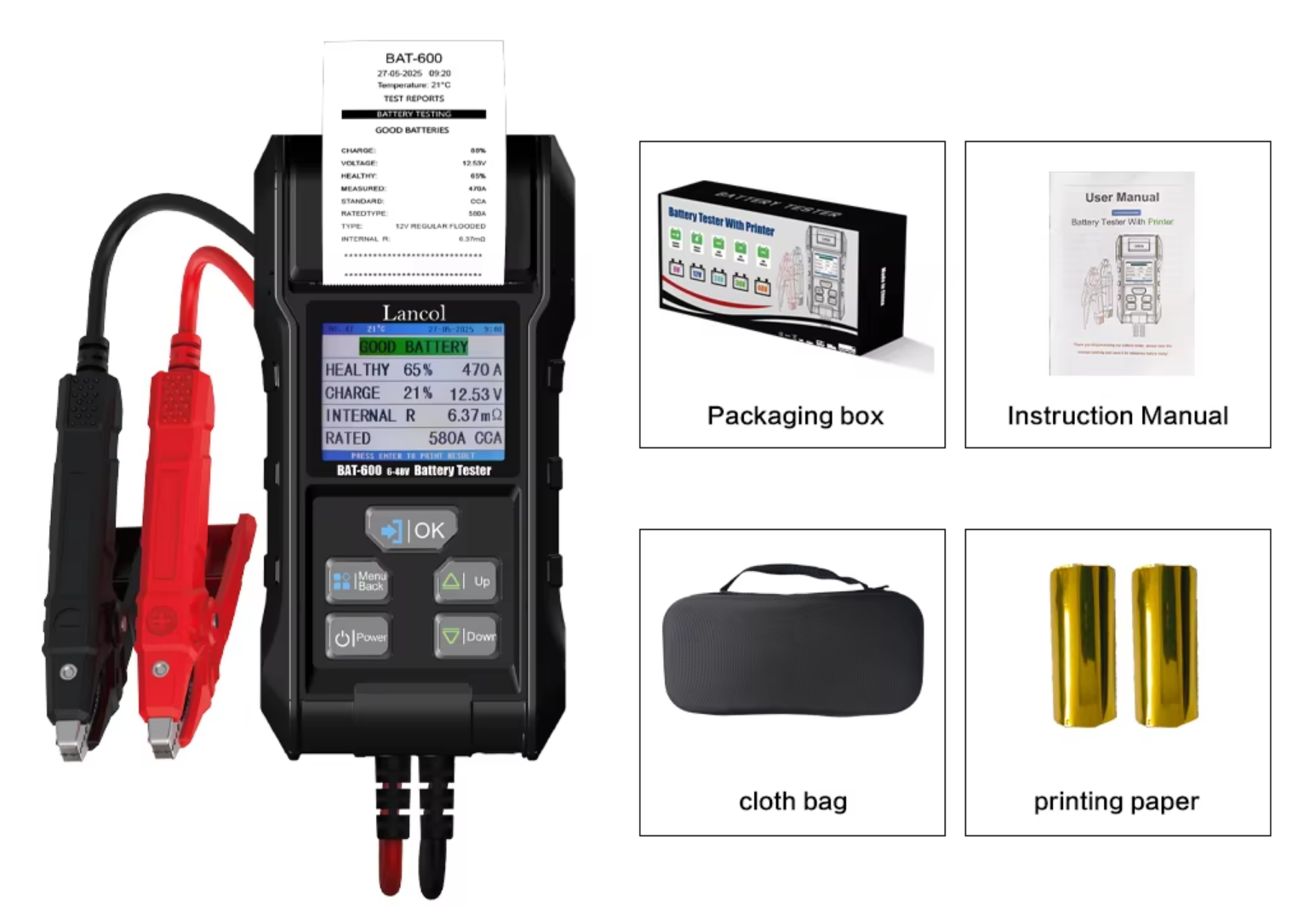
Lancol has issued a technical service reminder for users of its BAT-600 battery tester, noting that a printing failure may be caused by a low battery in the tester itself rather than by a fault in the device or the battery under test.
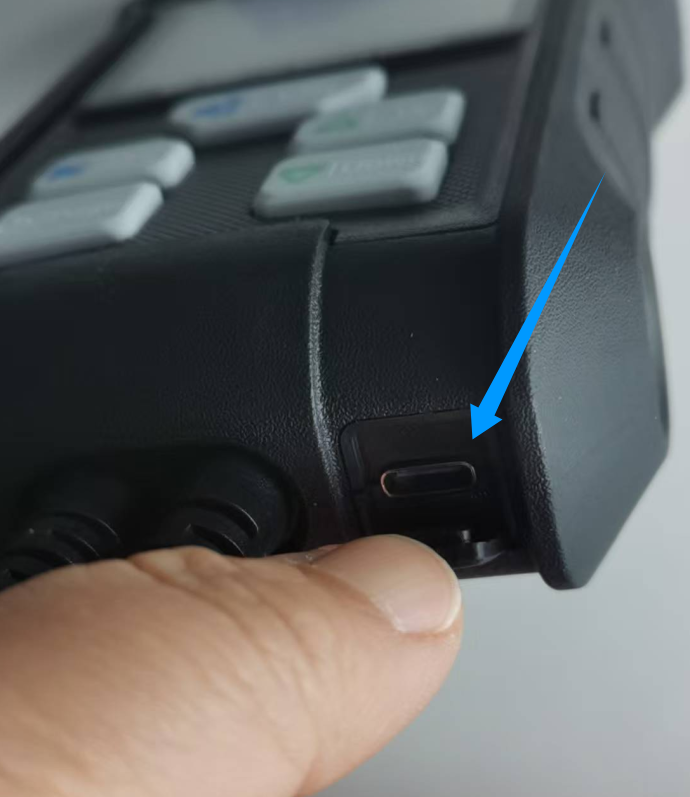
When the BAT-600 cannot print, users should first check whether the tester has sufficient power and charge it if necessary. The BAT-600 features a Type-C charging port on the lower right side of the product, which is used specifically to charge the tester.
The BAT-600 is powered by its internal lithium battery, not by the battery being tested. Therefore, even if the battery under test has power, the tester may still be unable to print if its own internal battery is depleted.
Connect the BAT-600 to a charger via the Type-C port, allow the internal lithium battery to charge, and then retry printing. Users who continue to experience printing issues after charging are advised to contact Lancol customer support for further assistance.
The reminder is intended to help users avoid unnecessary troubleshooting and to ensure reliable operation of the BAT-600 in battery testing and reporting workflows.